
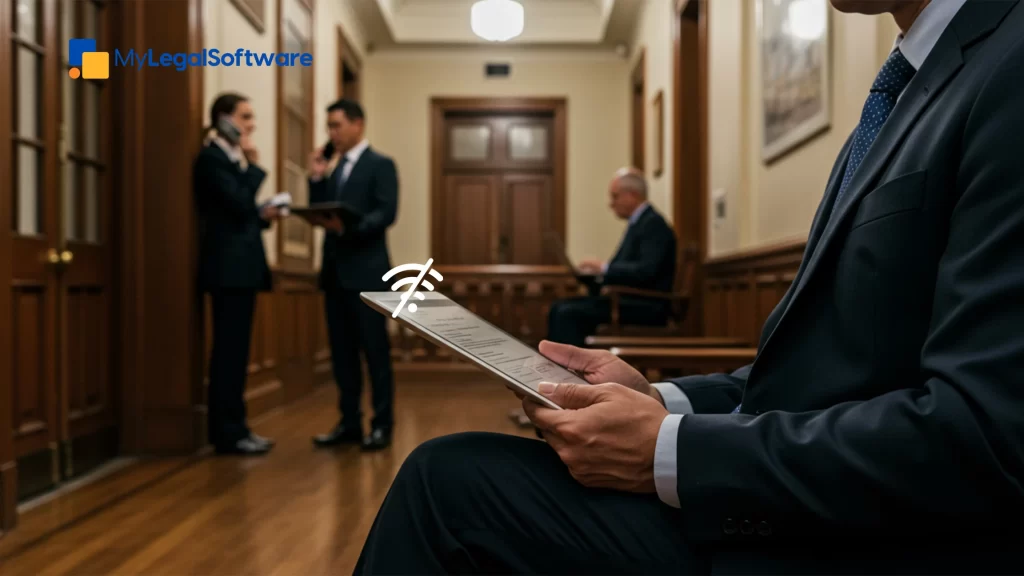
You’re standing outside the courtroom, five minutes before a hearing, trying to pull up a document on your phone. The page won’t load. You move around, hoping for a better signal, but nothing. There’s a sinking feeling in your stomach.
Now imagine if it didn’t matter to your software whether or not you had service; your files, notes, and updates would all be right there, ready when you need them. All of that is possible with mobile access legal software that comes with offline features.
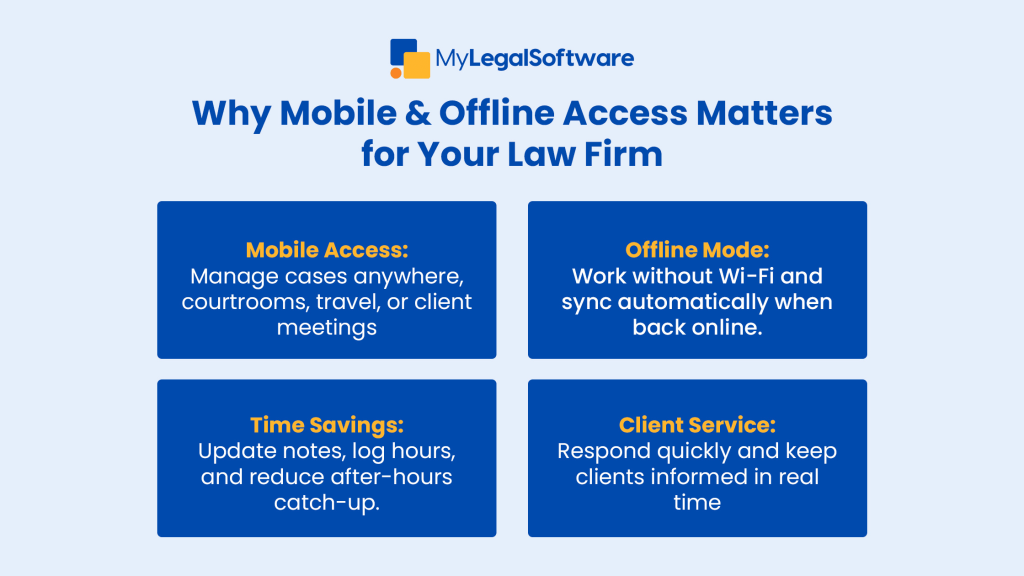
Why Mobile Access Matters for Law Firms
The legal world doesn’t sit still. Neither should you. Courtrooms, client meetings, and late nights at the office all pull you in different directions. Without law firm mobile technology, important details slip through the cracks:
- Case notes written on scraps of paper (and sometimes lost)
- Missed billable hours because updates were made too late
- Frustration from clients who expect fast answers
With attorney mobile case management tools, you’re not tied to your desk. You can carry your entire practice in your pocket. That means fewer delays, fewer mistakes, and more time doing what matters most: practicing law.
The Struggles Without Offline Access
Picture yourself standing in a courthouse basement, trying to pull up a case brief. Or on a plane, thinking about the hours of work waiting until you land. When your software doesn’t allow for offline access, the smallest connectivity issues become major setbacks.
And frankly, stress compounds fast when:
- You can’t review contracts before a client call
- You miss a billing entry because you couldn’t log it right away
- You rely on memory for critical case details
With offline legal software features, those moments shift from stress-inducing to seamless. You keep working, and everything syncs automatically the second you’re back online.
What Mobile and Offline Access Really Give You
-
Time Back in Your Day
Update case files while you’re waiting in court, on the train, or even grabbing lunch. No more late-night “catch up” sessions.
-
Peace of Mind
Know that client information and deadlines aren’t dependent on your Wi-Fi signal. Your cases move forward, no matter where you are.
-
A Better Client Experience
Clients notice when you can respond quickly and share updates on the spot. With secure mobile legal practice tools, you show reliability without even saying a word.
-
Flexibility for the Way You Actually Work
Law doesn’t happen only behind a desk. Mobile and offline access ensures your tools work the way you already do; on the move, in court, or anywhere in between.
Real-Life Scenarios Where This Makes a Difference
- At court: You glance at your tablet to confirm details in a filing. No Wi-Fi required.
- With clients: You update their file right after the meeting instead of scribbling notes to type later.
- While traveling: You draft motions on the plane. By the time you land, they’re synced and ready.
Features to Look for in Legal Software
When exploring your options, keep an eye out for:
- Mobile Access—Available on phones, tablets, and laptops
- Offline Mode with Auto-Sync—So work done offline is never lost
- Data Security—Encryption that protects sensitive client information
- Time Tracking—Capture billable hours instantly, from anywhere
- Client Portals—Easy, professional ways to keep clients informed
Making the Switch Doesn’t Have to Be Complicated
- Assess Your Needs—How often does your team work outside the office?
- Pick the Right Software—Focus on legal software with an offline mode that’s secure and intuitive.
- Train Your Team—A short onboarding session can remove the guesswork.
- Test with a Small Group—Let a few attorneys try it out before expanding firm-wide.
- Gather Feedback—Adjust and improve as your team gets comfortable.
The best part is, once people experience how liberating mobile and offline access can be, adoption tends to take care of itself.
Don’t Let Connectivity Hold Your Firm Back
Law happens everywhere, not just in your office. Without law firm mobile tools and offline access for attorneys, you risk delays, missed hours, and frustrated clients.
With the right software, you gain efficiency, peace of mind, and the ability to serve your clients better, wherever you are.
Ready to see it in action? Schedule a free demo with MyLegalSoftware today, and discover how mobile access and offline work can change the way your firm operates.
Frequently Asked Questions
What does “offline access” in legal software actually mean?
Think of it like this: you can still pull up client files, jot down case notes, or track your time even if your phone or laptop has no Wi-Fi. The moment you’re back online, everything syncs automatically. No missed notes. No lost hours.
Is mobile access and offline work really secure?
Yes, if you choose the right provider. Look for software that encrypts data on your device, protects information while syncing, and requires multi-factor login. It’s the same level of protection you’d expect for sensitive client information inside the office, just extended to your mobile devices.
Can mobile and offline tools actually help me bill more hours?
Absolutely. Instead of trying to remember what you did at the end of a long day, you can log time the second you finish a task, even if you’re sitting in court or on a plane. Those little moments add up to more accurate billing and less stress.
How hard is it to switch from our current system?
Easier than most firms think. Start with a small team testing the software on real cases. Once they see how simple it is to access files and record updates on the go, the rest of the firm usually follows quickly. The key is good training and choosing software that feels intuitive.
Are there any downsides to offline legal software?
The main trade-off is storage. Big case files can take up space on devices if you need them offline. Like with any system, your team needs to get in the habit of syncing work once they’re back online. But for most firms, the benefits of being able to work anywhere far outweigh these minor challenges.







