
Imagine preparing a strong case for months, only to have it fall apart because one filing deadline wasn’t met. As an attorney, you don’t need anyone to tell you how damaging that can be. You already know one missed deadline can put your case, your client, and even your professional reputation at risk.
The problem is not always negligence. Sometimes, it’s a calendar entry misplaced, a date entered incorrectly, or a communication gap between colleagues. But to your client, the result feels the same: disappointment, frustration, and lost trust. To you, it can mean malpractice exposure and financial loss.
You work too hard to let something as preventable as a missed date jeopardize your practice. That’s exactly why smart legal calendaring software is important. They’re systems designed to eliminate these risks by tracking, automating, and reminding you of every critical deadline so you can focus on winning your cases.
Why Relying on Manual Calendars or Spreadsheets Fails
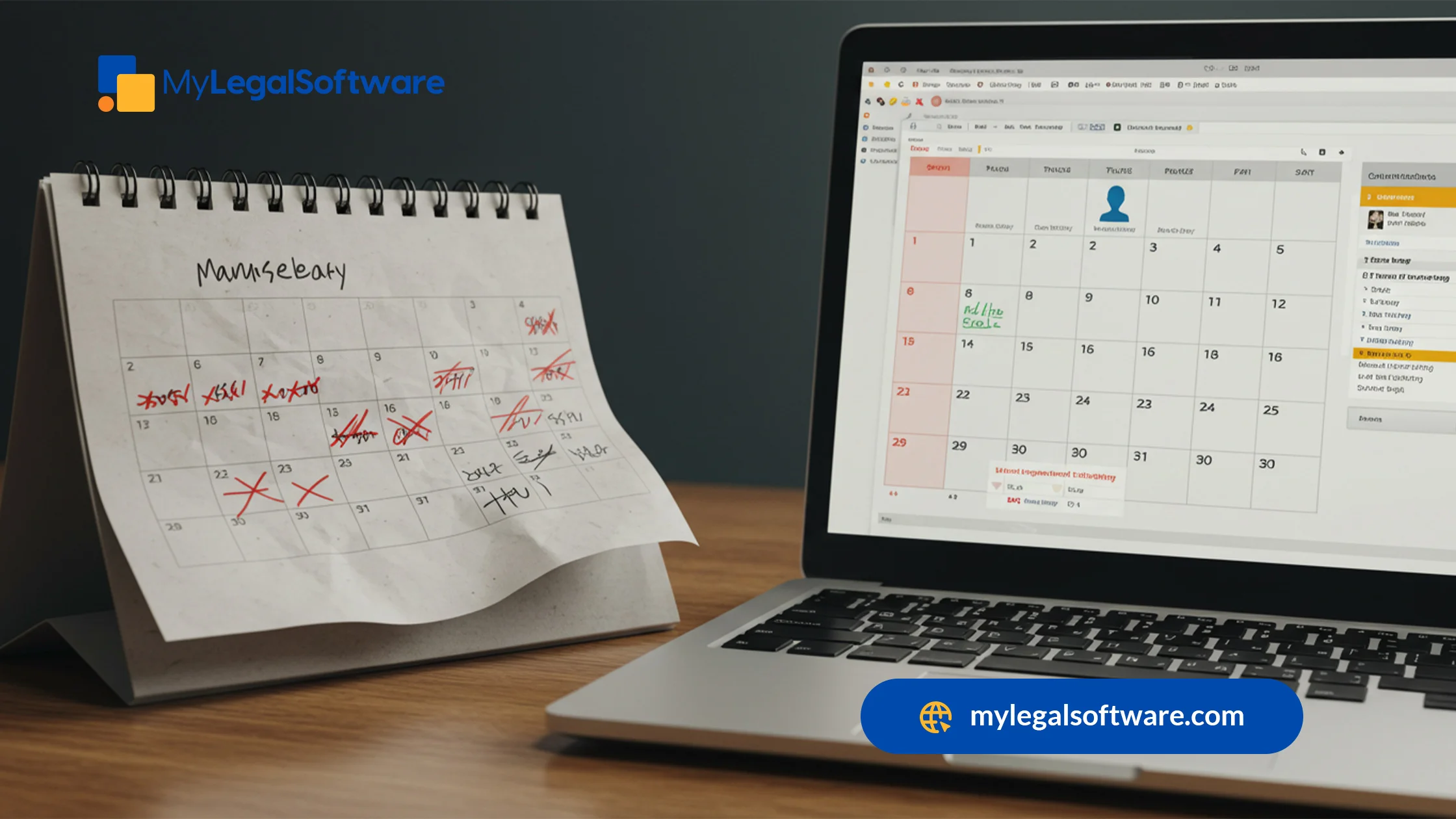
Many attorneys still depend on manual systems to keep track of deadlines: sticky notes on files, personal Outlook calendars, or shared spreadsheets in a drive. While these tools may feel familiar, they were never built for the complexity of today’s legal work.
Manual tracking is vulnerable to human error. A single typo in a spreadsheet can mean a filing is off by days. Sticky notes get misplaced, and personal reminders don’t always sync across a team. Even Outlook or Google calendars lack the intelligence to apply rules-based calculations tied to court schedules or jurisdiction-specific timelines.
Collaboration is another weak point. When every associate, paralegal, and partner relies on their own system, it’s only a matter of time before they miss something. Without real-time visibility, someone might assume a deadline is covered when it isn’t.
Traditional tools weren’t designed to handle the volume, pace, and precision of litigation demands. Modern firms can’t afford to rely on outdated processes that expose them to malpractice risks. Moving beyond spreadsheets and ad-hoc systems is necessary to protect your clients, your practice, and your peace of mind.
What Legal Calendaring Software Really Does
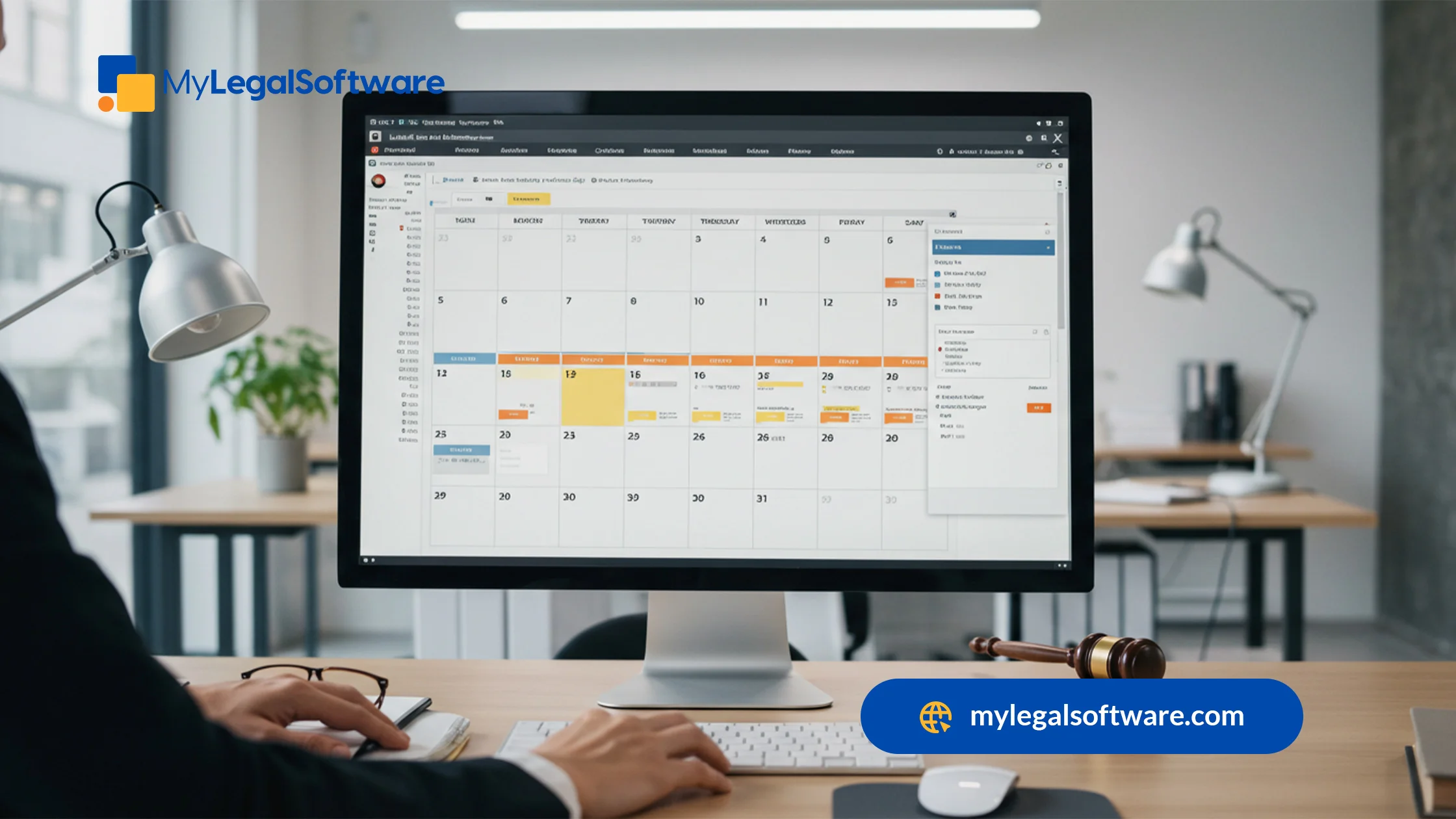
Smart legal calendaring systems don’t just let you add events; they calculate and create deadlines automatically based on court rules. For example, if a motion must be filed within 21 days of service, rules-based legal calendaring software handles the math for you. Then, it applies the deadline automatically and accurately.
Beyond date calculations, this software generates recurring reminders, so that nothing sneaks up unexpectedly. It also centralizes your schedule, giving every team member visibility into upcoming deadlines in one secure platform. No more scattered systems where vital information lives in five different places.
Most importantly, legal calendaring integrates with the scheduling tools you already rely on, syncing directly with docketing, case management, and even email systems. That means fewer silos, better collaboration, and a seamless workflow.
By using legal calendaring and docketing software, you’re working in a system that understands the legal world and keeps you one step ahead.
Key Benefits of Using Smart Legal Calendaring Systems
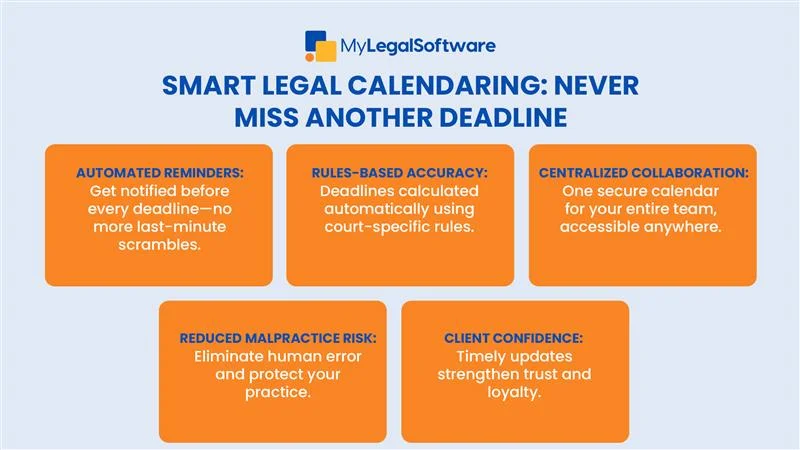
For law firms, the cost of a missed deadline goes far beyond embarrassment; it can jeopardize cases, client trust, and even malpractice liability. That’s why smart legal calendaring systems are more than just convenience tools; they’re risk management, productivity boosters, and client relationship builders all in one.
Here are the core benefits firms experience when adopting advanced calendaring solutions.
1. Automated reminders prevent missed deadlines
Smart calendaring software eliminates the reliance on memory or manual tracking. Automated reminders ensure attorneys and staff receive notifications well in advance of upcoming deadlines, reducing the chance of last-minute scrambles or overlooked filings.
2. Rules-based calendaring aligns with court schedules
Instead of manually calculating deadlines based on complex procedural rules, rules-based calendaring applies jurisdiction-specific guidelines automatically. This means every filing, hearing, or motion deadline is accurate, no matter how intricate the court’s timeline.
3. Centralized access improves collaboration
With a cloud-based system, every member of your legal team has access to the same calendar. This centralization eliminates confusion, reduces duplicate work, and ensures all deadlines are visible to everyone.
4. Malpractice risk is significantly reduced
Missed deadlines are one of the leading causes of malpractice claims in the legal profession. By automating and centralizing calendaring, firms reduce the risk of critical errors, protecting both reputation and client outcomes.
5. Clients gain confidence through timely updates
When clients see that their matters are handled efficiently, with no missed dates or delays, confidence grows. Proactive communication supported by reliable calendaring software strengthens attorney-client relationships and encourages referrals.
Features to Look for in the Best Legal Calendaring Software
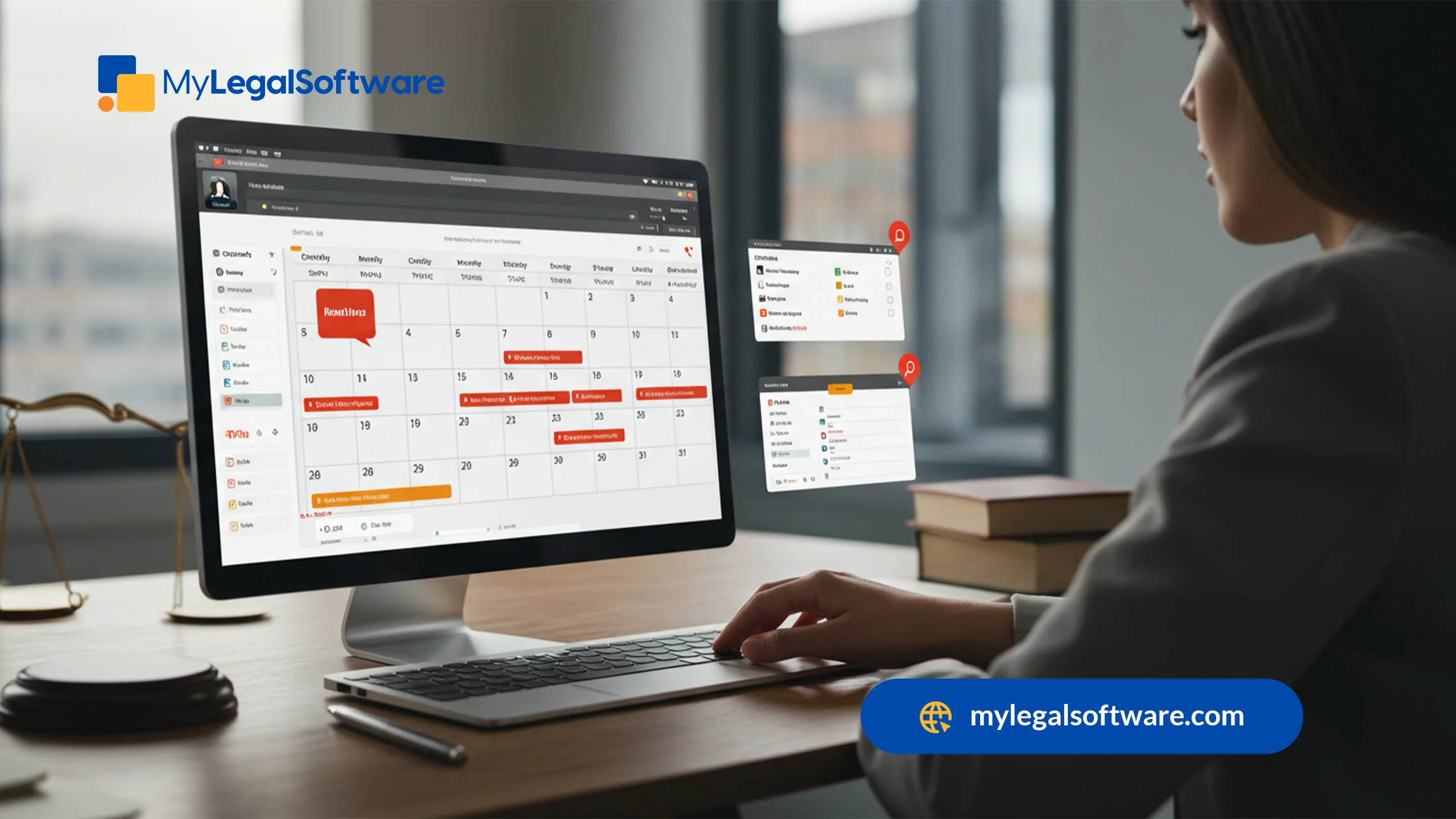
If you want your investment to pay off, you’ll need to focus on the features that matter most for a modern law practice. The best legal calendaring software should go beyond reminders; it should anticipate your needs and align with how attorneys actually work. Look for these essential capabilities:
- Rules-based legal calendaring software that automatically calculates deadlines based on court rules.
- Court-specific deadline tracking so you don’t need to memorize every jurisdiction’s local rules.
- Cloud access for remote and hybrid teams, ensuring your entire office stays aligned.
- Integration with case management systems to tie calendars to tasks, documents, and billing.
- Mobile access for attorneys on the go, making deadlines visible wherever you are.
Legal calendaring software reviews can help you compare options, but remember that what works best is software designed with your practice’s workflow in mind.
How Legal Calendaring Software Supports Firm Growth
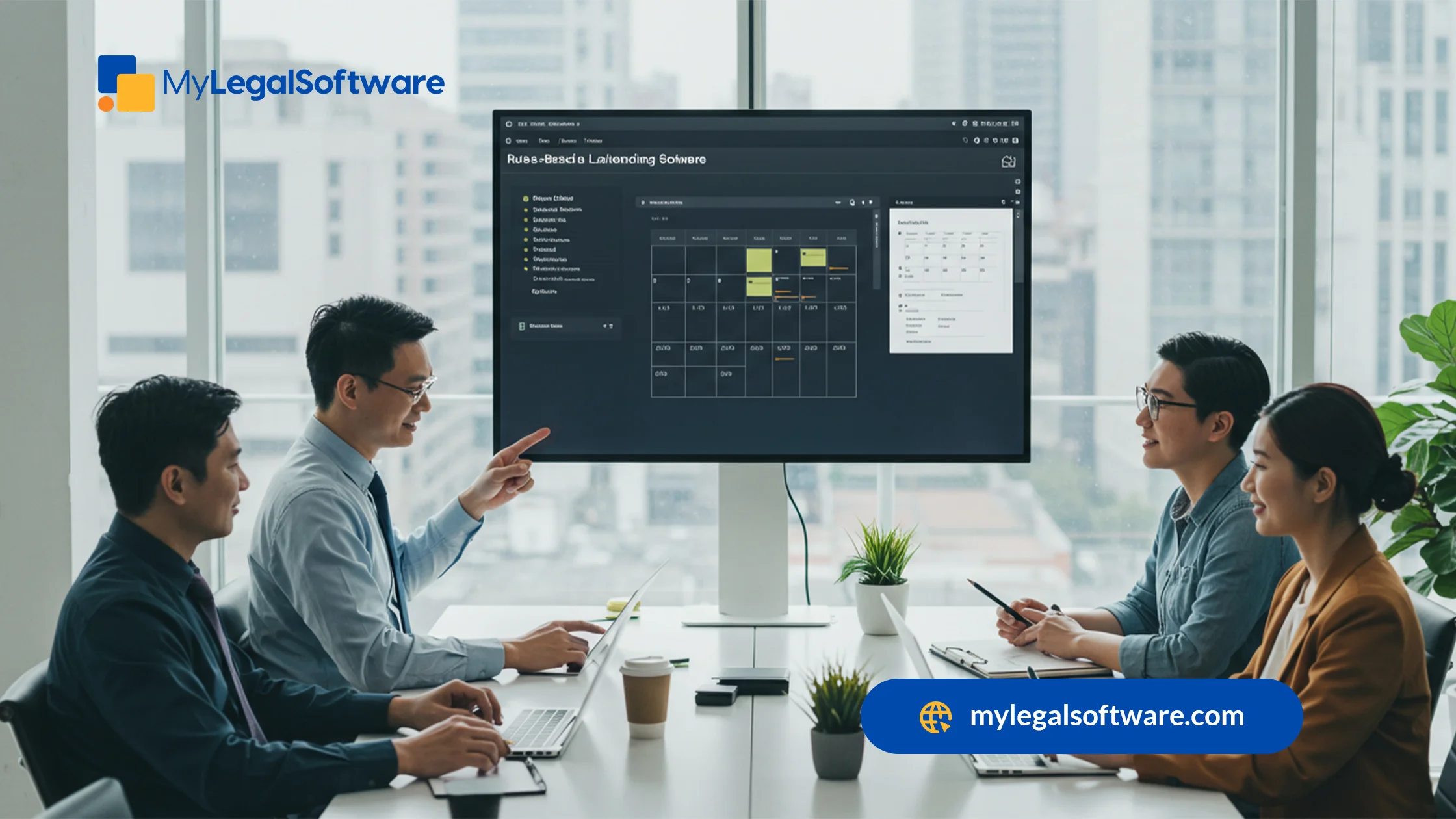
Deadlines are only one part of the story. When you adopt smart calendaring systems, you’re also unlocking new ways for your firm to grow. Consider how much time you currently spend double-checking dates, sending follow-up emails, or clarifying schedules with staff. With legal calendaring and docketing software handling these tasks, you and your team gain that time back.
More importantly, clients notice the difference. When you meet every deadline without fail, clients trust you more. They see you as reliable, organized, and attentive. That reputation is priceless and leads to referrals and repeat business.
Scalability is another factor. As your caseload expands, the risk of missing something multiplies. A manual system simply can’t keep up. Legal calendaring software adapts to your growth, whether you’re adding paralegals, opening new offices, or taking on more complex cases.
At the end of the day, you stress less and make fewer errors, and your team spends more time on strategy and advocacy rather than administration.
Why You Can’t Afford to Miss Another Deadline
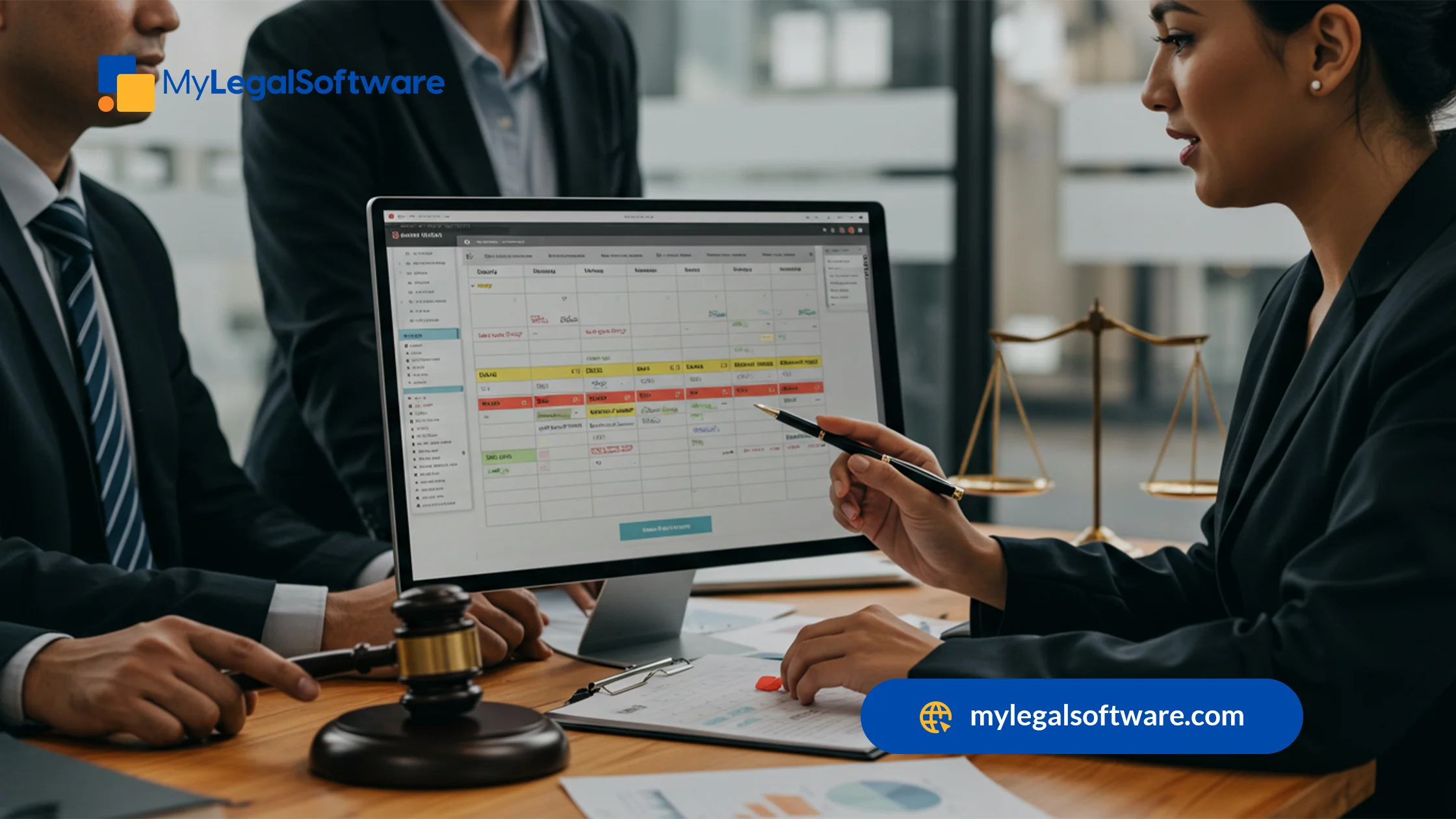
For attorneys, missing a single deadline isn’t a small mistake. That’s why relying on sticky notes or outdated tools simply isn’t worth the risk anymore. Investing in smart calendaring systems protects your reputation and secures your future.
Beyond having calendaring software, you need a case management system that does it all for you, from first contact to final resolution. That’s what you get with MyLegalSoftware. You no longer have to juggle multiple software because MyLS gives you everything you need to run a legal practice and more.
Try MyLS free for 14 days so you can see how it simplifies managing cases and allows you to serve your clients better.
Frequently Asked Questions
-
What is rules-based legal calendaring software?
-
Can I use free legal calendaring software for my practice?
-
How does legal calendaring software reduce malpractice risk?
-
Is legal calendaring software only useful for litigation firms?
-
What should I look for when comparing legal calendaring software reviews?
It’s software that automatically applies court rules and deadlines to your calendar, so you don’t have to calculate them manually.
Yes, but free tools are limited. Most systems only offer limited free trials, usually for you to see how the system helps you and decide if you’ll migrate to the paid version.
Sending automated reminders and applying accurate deadlines helps prevent missed filings and court appearances.
No. Transactional attorneys also use it for contract deadlines, compliance dates, and client meetings. It’s useful for all aspects of legal practice.
Pay attention to accuracy, ease of use, customer support, and how well the system integrates with your existing tools.







