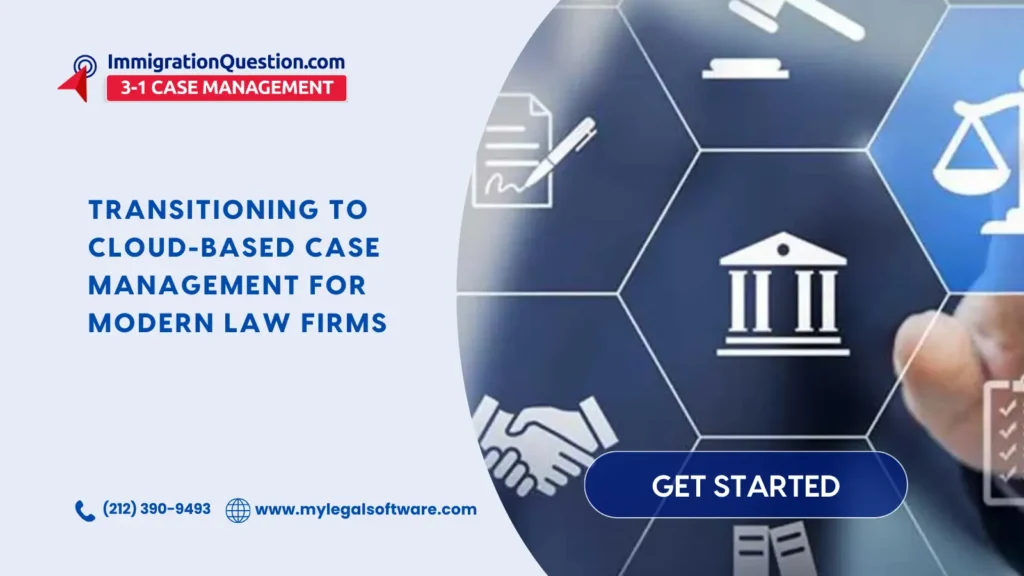
Cloud-based legal systems are centralized digital platforms that allow law firms to store and manage all their case data on remote servers. It’s a technology that replaces physical servers and paper files with a single digital location accessible from any internet-connected device.
When this setup is used, it helps law firms stay organized by providing a secure way to handle highly sensitive client matters from any location.
Modern practices often face delays due to scattered information and manual data entry. Transitioning to cloud-based case management for modern law firms solves these issues by creating a unified environment for all staff members.
Primary Benefits of Cloud-Based Case Management
Unified Case History Access
Every team member can view the complete timeline of a client matter in one place. This includes every phone call, document, email, and anything else related to the case.
A shared workspace guarantees that no information is lost when a staff member is away. The entire team always works from the same source of truth.
Mobile Access for Remote Work
Attorneys can access necessary files from a smartphone or tablet while in court. The flexibility here allows for high productivity even when working outside of the physical office.
Secure remote access ensures that legal work never stops due to travel or distance. Staff can update case notes and review evidence while on the move.
Secure File Sharing with Clients
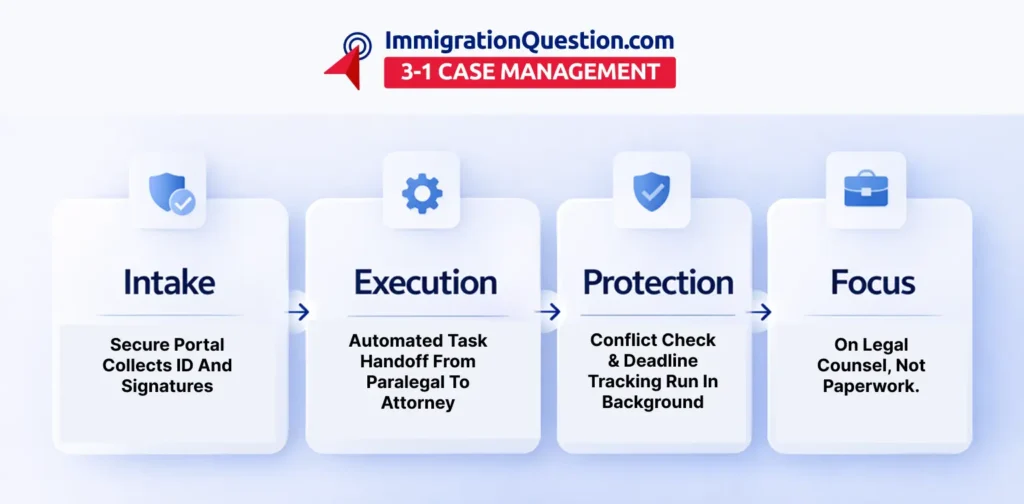
Firms can use protected portals to collect digital signatures and sensitive IDs directly. This method is much safer than sending confidential papers through an insecure email.
Secure portals foster client confidence by shielding private information from unauthorized access.
Real Time Deadline Tracking
Shared calendars within the case management software update instantly for the whole team. The feature in this case prevents missed court dates and keeps everyone aware of filing deadlines.
Automated alerts keep critical dates visible to the entire team without the need for constant manual follow-up. This approach allows staff to coordinate schedules efficiently and reduces the need for frequent status update meetings.
Strategic Growth Through Digital Infrastructure
Managers control exactly who can see or edit specific files through cloud-based legal systems. Detailed permission settings improve internal privacy while protecting a firm from accidental data deletion. Higher security standards are much easier to maintain when a system handles access controls automatically.
Scalable storage costs mean that a firm pays only for the data space it actually uses. Traditional servers require expensive hardware upgrades, but cloud systems grow with the practice. This financial flexibility allows small firms to use the same high-quality technology as larger organizations.
Disaster recovery is another vital advantage of moving to a digital workspace. If an office faces a fire or equipment failure, the case data remains safe in the cloud. The team can resume their work immediately from any location without losing a single billable hour.
Enhancing Professional Standards with Automation
Automated task handoffs ensure that work flows smoothly from one person to the next. When a paralegal finishes a document, the attorney is notified to review it right away. This eliminates difficulties and ensures that case milestones are met with precision and speed.
Consistent document templates ensure that every outgoing letter or motion looks professional. The entire office uses the most up-to-date versions of forms stored in the case management software. This uniformity reduces errors and maintains the law firm’s brand identity across all communications.
Conflict of interest automation allows a firm to scan its entire history for potential issues. The system identifies these risks before a new client is even signed to the practice. This saves hours of manual research and protects the attorneys’ professional reputations.
Final Thoughts: Building a Resilient Practice with Modern Digital Standards
Cloud-based legal systems offer the most effective way to modernize law practice today. Traditional administrative burdens, such as manual filing and insecure communication, disappear with these new digital methods.
Firms that centralize data and automate daily tasks can focus their energy on providing excellent legal counsel to their clients. Success in the legal market requires a move away from outdated, fragmented storage methods.
Reliable case management software provides the foundation for a practice that can scale and adapt to any challenge. A firm that moves to a digital setup now can deliver high-quality results while keeping all client data protected. A proactive shift establishes a secure environment where information remains safe and organized.
Claim your spot for a free demo session on ImmigrationQuestion.com 3-1 Case Management to see these advantages in action. A live walkthrough shows how easily the platform handles billing and security, saving time for the entire team.

Frequently Asked Questions
Is it safe to store sensitive client files in a cloud-based legal system?
Yes, these systems use enterprise-grade encryption and zero-trust models to protect your data. Professional providers often offer stronger security than most small firms can maintain on their own office servers.
Does a switch to cloud-based legal tools help lower monthly operating costs?
Yes, because they eliminate the need for expensive physical servers and dedicated maintenance staff. Subscription models let you pay only for the number of users you currently have on your team.
Will my team need extensive training to use the new case management software?
Most modern systems are designed with simple interfaces that are very easy for legal staff to learn.
How does centralized digital storage improve our internal communication?
It lets everyone see the most recent updates to a file without sending emails. Internal notes can be left directly on the case history, keeping the conversation organized and accessible to all authorized users.
What happens to our data if our internet connection goes down temporarily?
Most systems allow for offline work or mobile data access through smartphones and tablets. Once your connection is restored, all the changes you made will automatically sync with the central server for the whole team.